
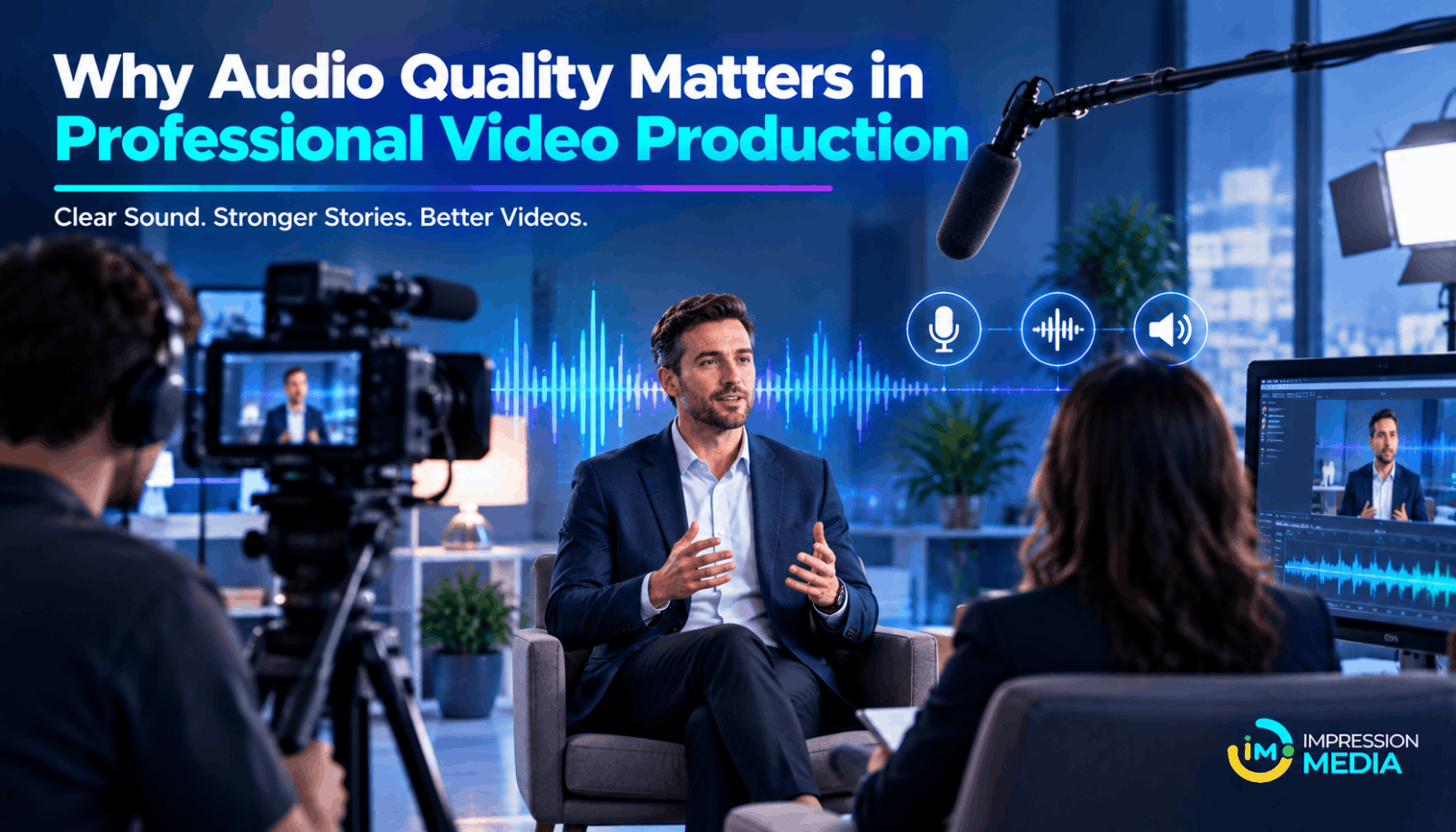
Why Audio Quality Matters in Professional Video Production
When people think about professional video production, they often focus on camera quality, lighting, visuals, and editing. However, one important element is sometimes overlooked: audio quality.
A video may look impressive, but poor sound can make it difficult to watch. Background noise, unclear dialogue, uneven volume, and distracting echoes can affect the viewer's experience. Even a well-planned video may lose its impact if people cannot hear or understand the message clearly.
For businesses, audio quality is especially important in brand videos, product demonstrations, corporate interviews, advertisements, and social media content. Clear sound helps audiences follow the message and experience the content as intended.
Understanding the role of audio in professional video production can help businesses create videos that look good, sound clear, and communicate more effectively.
What Is Audio Quality in Video Production?
Audio quality refers to how clearly and naturally sound is recorded, edited, and delivered in a video.
It includes several elements, such as:
- Clear dialogue: Viewers can understand every word without struggling.
- Balanced volume: Voices, music, and sound effects work together without sudden changes in loudness.
- Low background noise: Unwanted sounds do not distract from the main message.
- Natural sound: Voices and other audio elements sound realistic rather than distorted.
- Consistent levels: The audio remains comfortable to hear throughout the video.
Good audio does not always require expensive equipment. The right microphone, a suitable recording environment, and careful editing can make a significant difference.
Why Audio Quality Matters in Professional Video Production
1. Keeps Viewers Engaged
People need to hear and understand a video to follow its message.
If dialogue is unclear or background noise is distracting, viewers may lose interest and stop watching. This can be particularly damaging when a video is designed to explain a product, introduce a brand, or promote a service.
Clear audio makes the viewing experience more comfortable. It allows audiences to focus on the message instead of struggling to understand what is being said.
2. Creates a Professional Brand Image
The quality of a business video can influence how people perceive the company behind it.
Imagine watching a corporate interview with sharp visuals but muffled voices and inconsistent volume. The technical issues may distract viewers from the speaker's expertise.
Now imagine the same interview with clear dialogue, balanced sound, and minimal background noise. The overall experience feels more polished.
Professional audio supports the quality of the entire video and helps businesses present their message with greater confidence.
3. Makes the Message Easier to Understand
Business videos often communicate important information, including product features, service benefits, instructions, and company updates.
Poor audio can make these details difficult to follow. Viewers may miss important points or misunderstand the message.
Clear dialogue and appropriate sound levels help audiences understand information without unnecessary effort.
This is especially important for explainer videos, training content, product demonstrations, and educational videos.
4. Builds a Better Emotional Connection
Sound influences how people experience a video.
A speaker's voice can communicate confidence, excitement, concern, or reassurance. Background music can create atmosphere, while carefully selected sound effects can make certain moments more engaging.
For example, a brand story may use gentle background music to create a warm feeling. A product launch video may use energetic music to support an exciting presentation.
The key is balance. Music and sound effects should support the story rather than compete with the speaker.
5. Improves the Viewing Experience on Different Devices
People watch business videos on smartphones, laptops, tablets, televisions, and headphones.
Audio that sounds acceptable on one device may be too quiet, too loud, or difficult to understand on another.
Professional video production should account for these differences. Dialogue needs to remain clear, music should not overpower speech, and sudden changes in volume should be avoided.
Testing the final video on different devices can help identify problems before publication.
Common Audio Problems in Video Production
Understanding common recording issues makes it easier to prevent them.
Background Noise
Traffic, fans, air conditioners, nearby conversations, and equipment can introduce unwanted sounds.
Choosing a quieter location and positioning the microphone close to the speaker can help reduce these problems.
Echo and Reverberation
Large rooms, empty offices, and hard surfaces can cause voices to sound distant or hollow.
Recording in a room with soft furnishings or using suitable acoustic treatment can improve the sound.
Uneven Volume
A speaker may move away from the microphone, speak too softly, or suddenly raise their voice.
Proper microphone placement and audio-level monitoring can help maintain consistent sound.
Distorted Audio
Audio distortion can occur when recording levels are too high or equipment is not used correctly.
Monitoring sound levels during recording helps prevent clipping and other problems that may be difficult to repair later.
Music That Overpowers Dialogue
Background music can improve a video's atmosphere, but it should never make speech difficult to understand.
Editors should adjust music levels carefully and check the final mix before publishing.
How to Improve Audio Quality During Video Production
Businesses can improve audio quality by making a few important decisions before and during a shoot.
Choose the Right Microphone
Different microphones suit different recording situations.
A lavalier microphone can work well for interviews and presentations. A shotgun microphone can capture focused dialogue when positioned correctly. A suitable USB or studio microphone may be useful for voiceovers.
The best choice depends on the location, speaker, recording style, and available equipment.
Check the Recording Environment
Before filming, listen for unwanted sounds such as fans, traffic, or machinery.
Choose a quieter location where possible. If the room produces excessive echo, consider using soft furnishings or acoustic panels.
A short test recording can reveal issues before the main shoot begins.
Monitor Audio While Recording
Do not rely entirely on checking the sound after filming.
Use headphones to monitor the recording and listen for noise, distortion, interference, or changes in volume.
Checking audio during the shoot can help the production team correct problems immediately.
Record a Test Before the Main Shoot
A short test recording can help identify microphone placement problems, room echo, and incorrect recording levels.
Listen to the test using headphones before proceeding. It is much easier to correct a recording setup before filming than to repair unusable audio later.
Edit and Mix Audio Carefully
Post-production is an important stage in improving audio quality.
Editors can reduce certain types of background noise, adjust dialogue levels, balance music, and remove distracting pauses where appropriate.
However, audio editing has limits. Severely distorted or unclear recordings may not be fully recoverable, which is why good recording practices remain essential.
Review the Final Video Before Publishing
Watch the finished video from beginning to end.
Check whether the dialogue is clear, music levels are appropriate, and volume remains consistent. Test the video on a phone and a computer to identify potential playback issues.
This final review helps ensure that the audio supports the video rather than distracting from it.
Why Businesses Should Invest in Professional Audio
Professional audio can make a meaningful difference across different types of business videos.
Corporate videos benefit from clear speech and balanced sound. Product demonstrations need understandable explanations. Social media videos require audio that works well in short viewing sessions. Training videos depend on clear instructions that employees can follow.
Businesses do not necessarily need a large production budget to achieve good results. They do need to pay attention to microphones, recording environments, monitoring, and editing.
When these elements are handled properly, the final video becomes easier to watch and more effective at communicating its message.
Conclusion
Audio quality is an essential part of professional video production. Clear dialogue, balanced sound, and minimal background noise help viewers understand a message, stay engaged, and experience a video as intended.
Poor audio can weaken an otherwise impressive video, while well-recorded sound can make even a simple production feel more polished.
For businesses investing in video content, audio should receive the same attention as visuals, lighting, and editing. Choosing suitable equipment, checking the recording environment, monitoring sound levels, and reviewing the final mix can prevent many common problems.
Ultimately, professional video production is about more than what audiences see. It is also about what they hear and how clearly the message reaches them.

 (1).png)